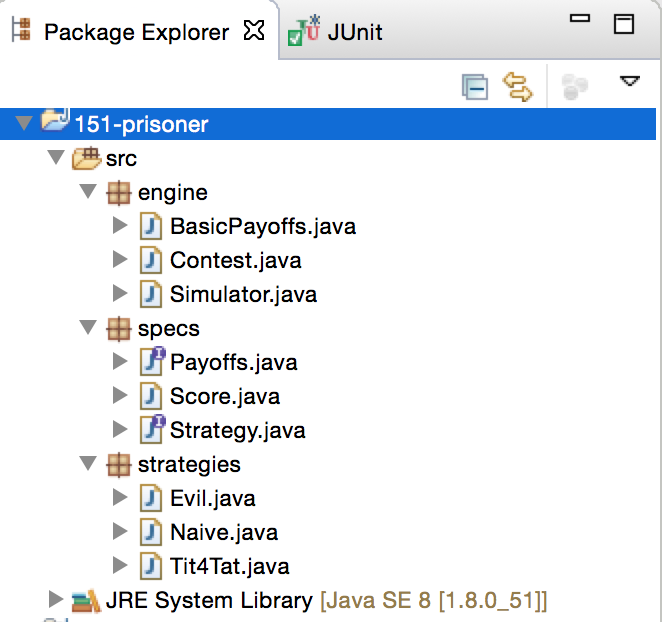
Setting up an Eclipse project
- Download the provided ZIP file.
- Extract the file to your desired location.
- Open Eclipse.
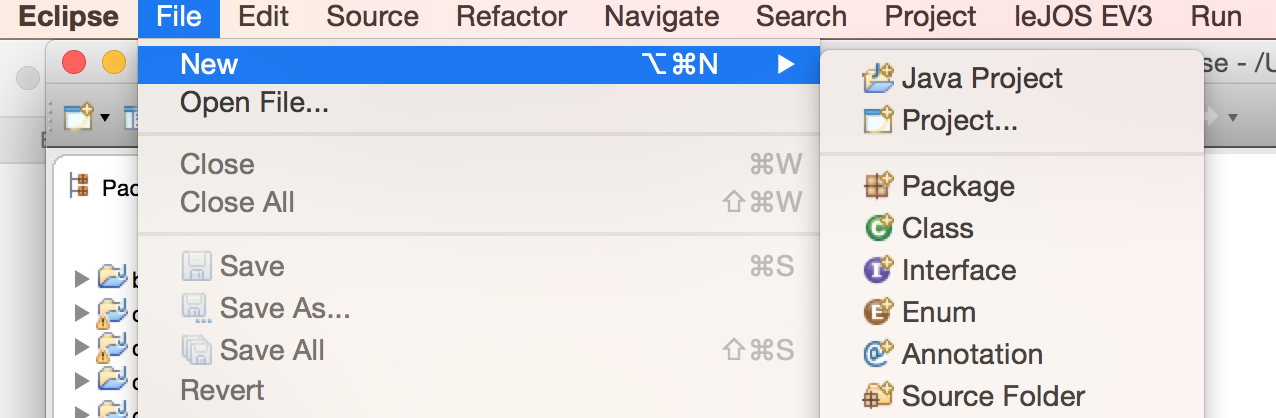
- Select File > New > Java Project
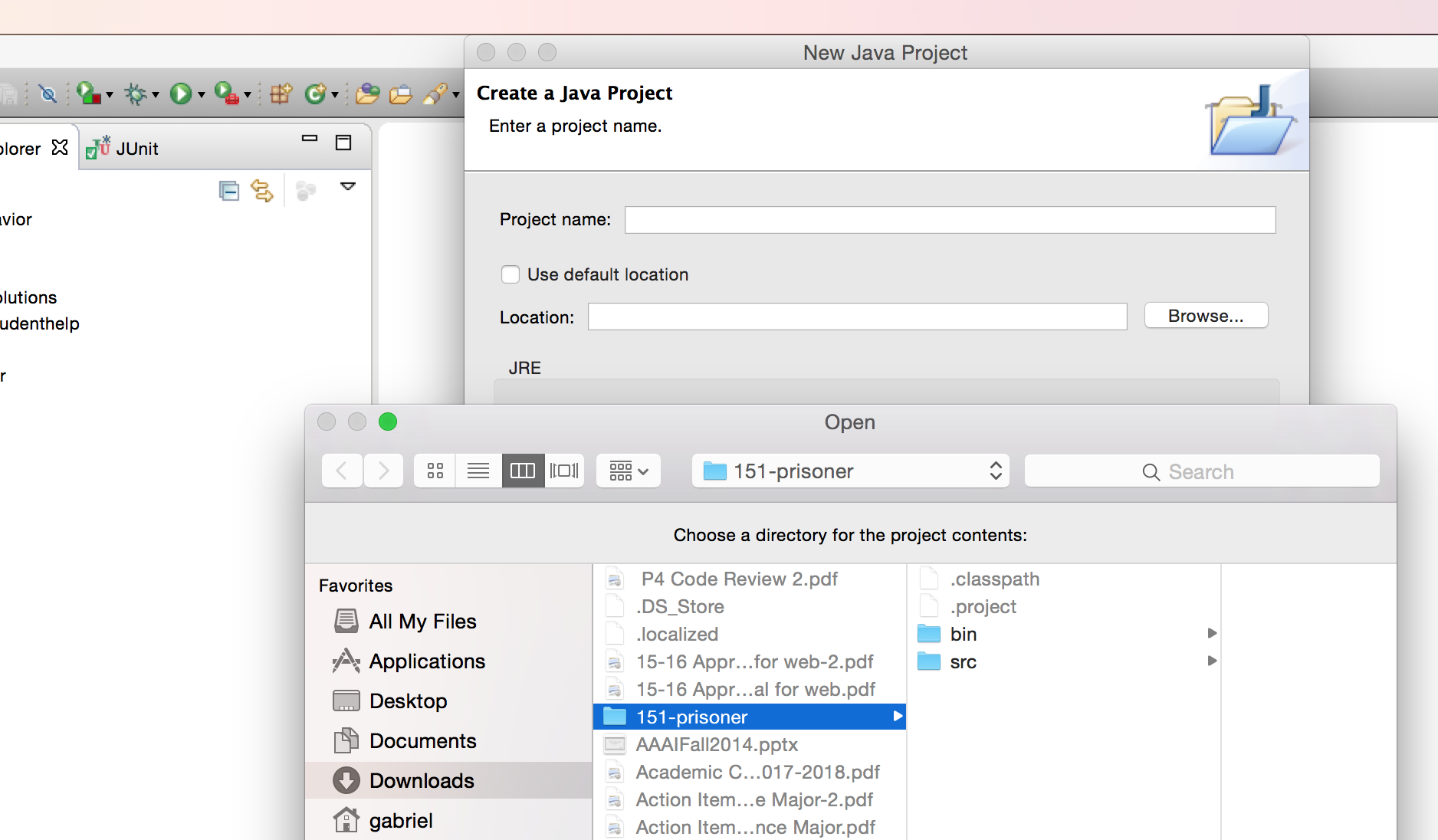
- When the "Create a Java Project" dialog opens up, de-select "Use default location".
- Then click "Browse". Navigate to the location of your extracted archive.
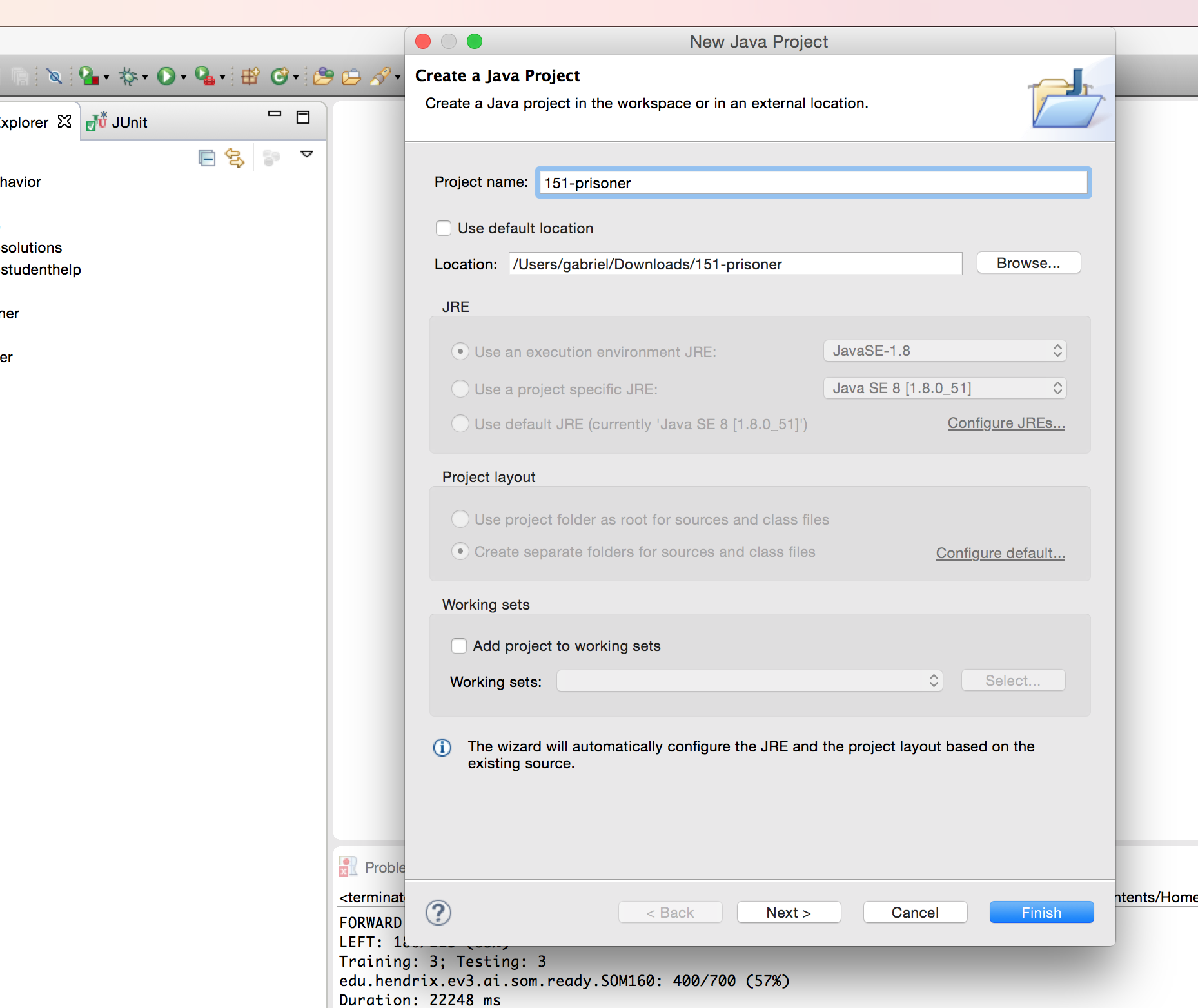
- Click "Finish" to create the project.
- Go to the Package Explorer, and make sure the desired files are in place.